
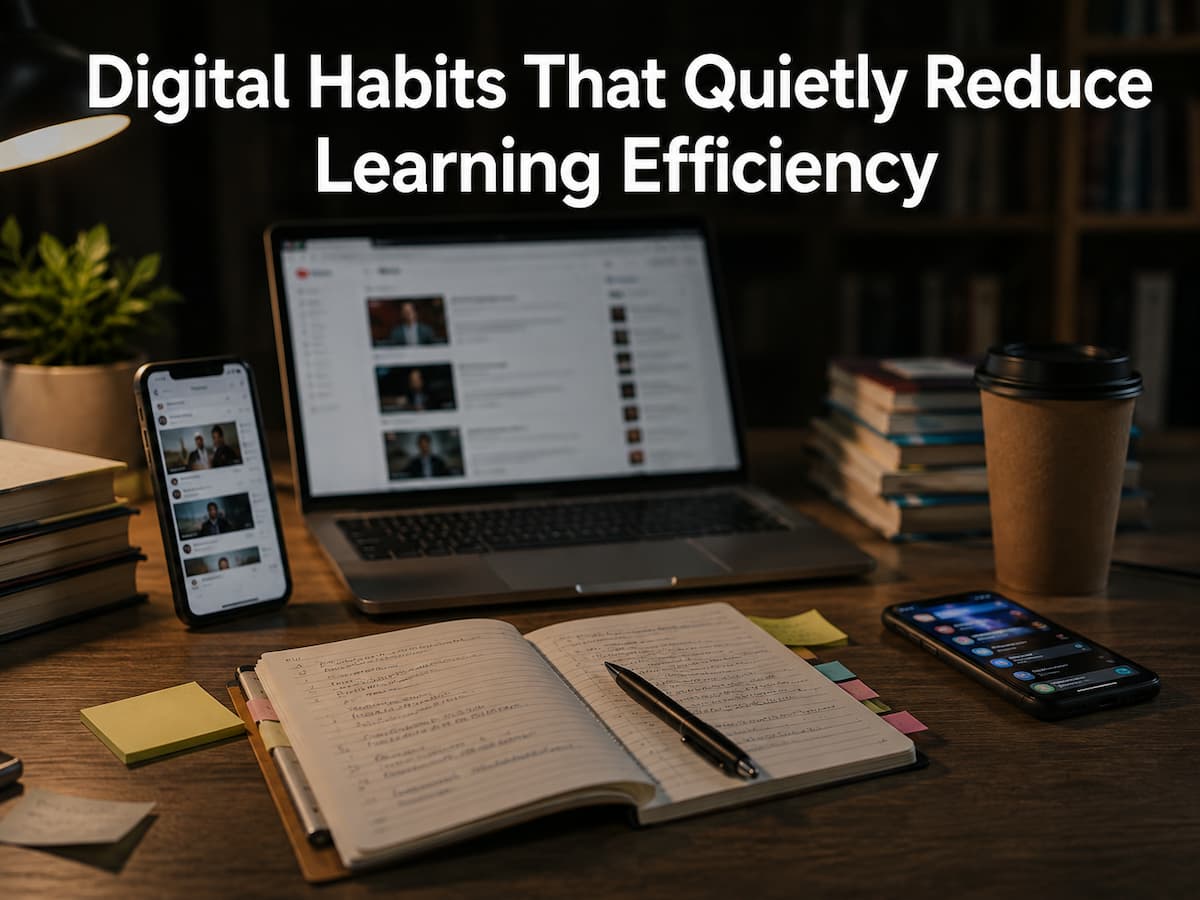
The problem is that these habits are usually considered acceptable. They are woven into daily life and remain unnoticed. Your brain gradually adapts to the frequent distractions, the switching between tasks, and the stream of unprocessed information. The result is reduced learning ability, not shorter learning time. Why do everyday digital habits imperceptibly reduce learning ability? This guide answers that question. More importantly, you will learn how to replace unhealthy habits with healthier ones, thereby improving your concentration, memory, and comprehension in the long run without the help of complex efficiency tools.
Why Small Digital Habits Are More Important Than You Think
Learning is more than just extensive studying and preparing for exams. It is also influenced by hundreds of small decisions you make every day. Every time you check information, switch websites, or quickly browse through irrelevant content, your attention is distracted. Although each interruption may seem insignificant in itself, the cumulative effect becomes apparent over weeks and months. Learning is like a puzzle; every minute of uninterrupted time adds a piece. Distractions scatter these pieces, preventing you from completing the puzzle. You may not spend as much time studying, but the time you actually spend understanding and remembering decreases.
Because this behavior yields quick rewards, many digital habits become automatic. A notification grabs your attention, a short video entertains you, and a search engine responds quickly. Although this behavior is harmless in itself, through repetition your brain gets used to rapid changes rather than sustained focus. Instead of prolonging your study time, changing a few simple daily habits can actually improve learning efficiency.
The Hidden Costs of Constant Notifications
Notifications grab your attention. Whether it involves messages via instant messaging apps, emails, social media, or news feeds, every message competes for your attention. Even if you ignore it, your brain has already registered it. Imagine your phone vibrating every few minutes while you are reading a difficult chapter. You might feel focused because you aren’t constantly checking your notifications, but every sound or banner quickly distracts you. People underestimate how long it takes to regain your concentration.
A Typical Study Session
| Time | What Happens | Effect |
|---|---|---|
| 0–15 minutes | Deep concentration begins. | Understanding improves. |
| 15 minutes | Phone notification appears. | Attention shifts. |
| 16–20 minutes | Trying to refocus. | Learning slows. |
| 25 minutes | Another interruption. | Focus resets again. |
The problem isn’t only the interruption itself. It is the repeated cycle of losing focus and rebuilding it. By reducing unnecessary notifications during study sessions, you create longer periods of uninterrupted thinking. Enable only essential notifications while studying. Everything else can wait until your session is complete.
Too Many Open Tabs Create Mental Clutter
Many learners keep dozens of browser tabs open because they worry about forgetting useful information. While this approach may seem organized, it often creates the opposite effect. Every visible tab represents another unfinished decision competing for your attention. As you switch between articles, videos, notes, and search results, your brain constantly adjusts to new contexts. This continuous switching increases mental effort, making it more difficult to absorb the material you’re actually trying to study.
Simple Comparison
| Focused Browser | Cluttered Browser |
|---|---|
| 3–5 useful tabs | 30+ open tabs |
| Clear objective | Multiple unfinished tasks |
| Less distraction | Frequent switching |
| Better concentration | Higher cognitive load |
Instead of leaving everything open, save useful resources for later review using bookmarks or a reading list. This keeps your workspace cleaner while allowing you to focus on the task in front of you.
Passive Scrolling Feels Productive but Rarely Leads to Deep Learning
Watching educational videos, reading short posts, or scrolling through informative content can feel like productive learning. While these activities certainly expose you to new ideas, exposure is not the same as understanding. Passive scrolling encourages your brain to consume information quickly without stopping to organize or connect what you’ve learned. Since new content appears continuously, there is little opportunity to reflect or apply the knowledge before moving on to the next topic.
Active Learning vs. Passive Consumption
| Active Learning | Passive Consumption |
|---|---|
| Taking notes | Watching continuously |
| Answering questions | Scrolling endlessly |
| Practicing skills | Simply observing |
| Explaining concepts | Moving quickly to the next topic |
Educational content becomes much more valuable when you pause to summarize key ideas, write questions, or explain the concept in your own words before continuing. After every educational video or article, spend two minutes writing what you remember without looking back at the material.
Collecting Information Is Not the Same as Learning
Modern technology makes it incredibly easy to save articles, bookmark websites, download PDFs, and collect online resources. While building a personal library can be helpful, many people mistake collecting information for making progress. Imagine downloading fifty research papers for a future project. It feels productive because you’ve gathered useful material, yet you haven’t actually learned anything until you read, organize, and apply that information. Large collections of untouched resources often become digital clutter rather than valuable study tools.
A better approach is to save fewer resources but spend more time engaging with each one. Reading carefully, highlighting important ideas, writing summaries, and connecting concepts to previous knowledge create stronger learning than simply expanding your collection. A small collection of well-understood resources is usually more valuable than hundreds of unread files.
Why Multitasking Makes Studying Harder Instead of Faster
Many people believe they can study while replying to messages, listening to podcasts, checking email, or browsing unrelated websites. Although it feels like several tasks are happening at once, the brain is usually switching rapidly between activities rather than processing them simultaneously. Each switch requires mental effort. Instead of building understanding, your attention keeps restarting, making it harder to remember details and follow complex ideas. The result is often longer study sessions with lower-quality learning.
Common Beliefs Compared with Reality
| Common Belief | What Usually Happens |
|---|---|
| Multitasking saves time. | Frequent task switching slows progress. |
| Background interruptions don’t matter. | Focus becomes less stable. |
| I remember everything anyway. | Information is often forgotten more quickly. |
| I work better under constant stimulation. | Complex learning usually becomes more difficult. |
Studying one topic at a time may initially feel slower, but uninterrupted attention usually leads to stronger understanding and better long-term memory.
Depending Too Much on Search Instead of Memory
Search engines have transformed the way we access information. Within seconds, you can access definitions, formulas, historical facts, programming examples, and step-by-step tutorials. This convenience is valuable, but relying on search for every small question can reduce your opportunities to strengthen your memory.
Learning becomes more durable when your brain actively retrieves information instead of immediately looking it up. For example, before searching for a formula or concept, pause and try to recall it from memory. Even if your answer is incomplete, the effort of retrieval helps reinforce what you’ve already learned. This doesn’t mean avoiding search engines. Instead, use them to confirm your understanding rather than replacing the thinking process. Over time, this simple habit improves recall and builds confidence when solving problems without constant digital assistance.
A Better Learning Sequence
- Read and understand the topic.
- Close the material.
- Try to explain it from memory.
- Check your answer using trusted resources.
- Correct any mistakes.
Digital Fatigue and Decision Overload
Every digital decision requires a small amount of mental energy. Choosing which app to open, deciding which article to read, responding to messages, managing notifications, and selecting from dozens of browser tabs may seem insignificant individually, but together they create decision overload. When your brain spends energy on constant small choices, less attention remains for learning. This mental fatigue often appears as difficulty concentrating, slower reading, reduced motivation, or a feeling of being busy without making meaningful progress.
Common Signs of Digital Fatigue
- Reading the same paragraph multiple times.
- Opening apps without a clear purpose.
- Frequently switching between devices.
- Feeling mentally tired after short study sessions.
- Checking notifications automatically.
- Starting several tasks without finishing them.
Reducing unnecessary decisions creates more mental space for understanding complex ideas. Simple routines, organized study materials, and planned breaks help reduce this hidden mental workload.
Replacing Unhelpful Digital Habits with Better Learning Routines
Improving learning efficiency doesn’t require eliminating technology. Instead, focus on replacing habits that interrupt learning with routines that support deeper concentration. Small adjustments are usually easier to maintain than dramatic lifestyle changes. For example, begin each study session by deciding exactly what you want to accomplish before opening your browser. Keep only the resources you need visible, silence unnecessary notifications, and schedule short breaks instead of interrupting yourself whenever you feel distracted.
Example of a Focused Study Routine
| Before Studying | During Studying | After Studying |
|---|---|---|
| Choose one goal. | Work on one topic. | Review key ideas. |
| Close unnecessary apps. | Take scheduled breaks. | Organize notes. |
| Silence notifications. | Write questions. | Plan the next session. |
A Weekly Self-Review for Healthier Learning Habits
Good habits develop through regular reflection. Instead of waiting until exam season to evaluate your study methods, spend a few minutes each week reviewing what worked well and what created unnecessary distractions. A simple self-review helps you recognize patterns that might otherwise go unnoticed. For instance, you may discover that you concentrate better during certain times of day or that particular digital habits consistently interrupt your progress.
Weekly Self-Review Checklist
- Did I complete my study sessions without frequent interruptions?
- How often did I check notifications while learning?
- Did I actively review information or only consume it?
- Were my browser tabs related to my current task?
- Did I rely on memory before searching online?
- What digital habit helped me the most this week?
- Which habit should I improve next week?
Treat this review as an opportunity to make small adjustments rather than criticize yourself. Consistent improvements produce better long-term results than trying to change everything at once.
Conclusion
Much more than just IQ or study time influences your learning efficiency. Your everyday digital behaviors are subtly shaping your ability to focus, retain and learn new things. Opening multiple tabs, checking notifications, storing limitless resources, or persistent searching may appear innocent, but these habits slowly rob the quality of your learning.
The good news is that you don’t have to give up technology to make real progress. Identify the habits that are not beneficial, create concentrated study routines, practice active recall, and check your progress often to cultivate a healthier relationship with your electronic devices. Small things, done on a regular basis, can enhance concentration, boost memory, and make learning more fulfilling over time.
FAQs
1. Are digital diversions always bad?
No. Short pauses, entertainment, and social engagement are part of healthy routines. Problems tend to arise when distractions interrupt focused learning or become automatic habits that are difficult to control.
2. How long should I study before taking a break?
The appropriate length varies from person to person, but many learners benefit from working in focused blocks of 25 to 60 minutes with a short break in between. The main thing is not to keep interrupting yourself with unanticipated distractions.
3. Is watching educational videos adequate to learn a topic?
A film might be good for presenting ideas in an educational setting. To go deeper, you normally want to do other things, such taking notes, solving problems, summarizing ideas, and recalling material from memory.
4. Why do I forget things when I read them?
Reading information is often the mother of familiarity and not of permanent understanding. Remembering ideas, explaining concepts in your own words, and applying what you’ve learned help enhance long-term memory.
5. Can too many browser tabs impact concentration?
Yes. Having many tabs open means switching tasks often, and it’s visually busy. Staying focused on the resources you need for your present task can help you stay focused.
6. How can I limit notification interruptions?
Turn off or disable non-essential alerts during study sessions, put your phone out of reach if possible, and only check messages during planned breaks. This allows you to focus for longer unbroken periods.
7. Do tiny habit modifications truly help learning?
Yes. Little improvements, if they are consistent, have a greater influence over time than stunning but short-lived ones. Cutting out one distraction a day will save you hours of focused learning in a few months.
References
- American Psychological Association (APA) – https://www.apa.org
- National Institute of Mental Health (NIMH) – https://www.nimh.nih.gov
- Centers for Disease Control and Prevention (CDC) – https://www.cdc.gov
- Harvard University – https://www.harvard.edu
- Stanford University – https://stanford.edu
- University of California, Berkeley – https://berkeley.edu